The beneficiary account tool is designed to integrate a review of contract property with other estate planning arrangements within Holistiplan estate to provide a holistic overview of wealth transfer documents and beneficiaries.
The tool is designed to facilitate a periodic review that coordinates advisors and other members of a client's estate planning and execution team on an all too often overlooked aspect of estate planning, account titling and beneficiary designations.
How to access and use the Beneficiary Account Tool
Click the "Beneficiary Reviews" tab in the left-hand column of the client's Household page
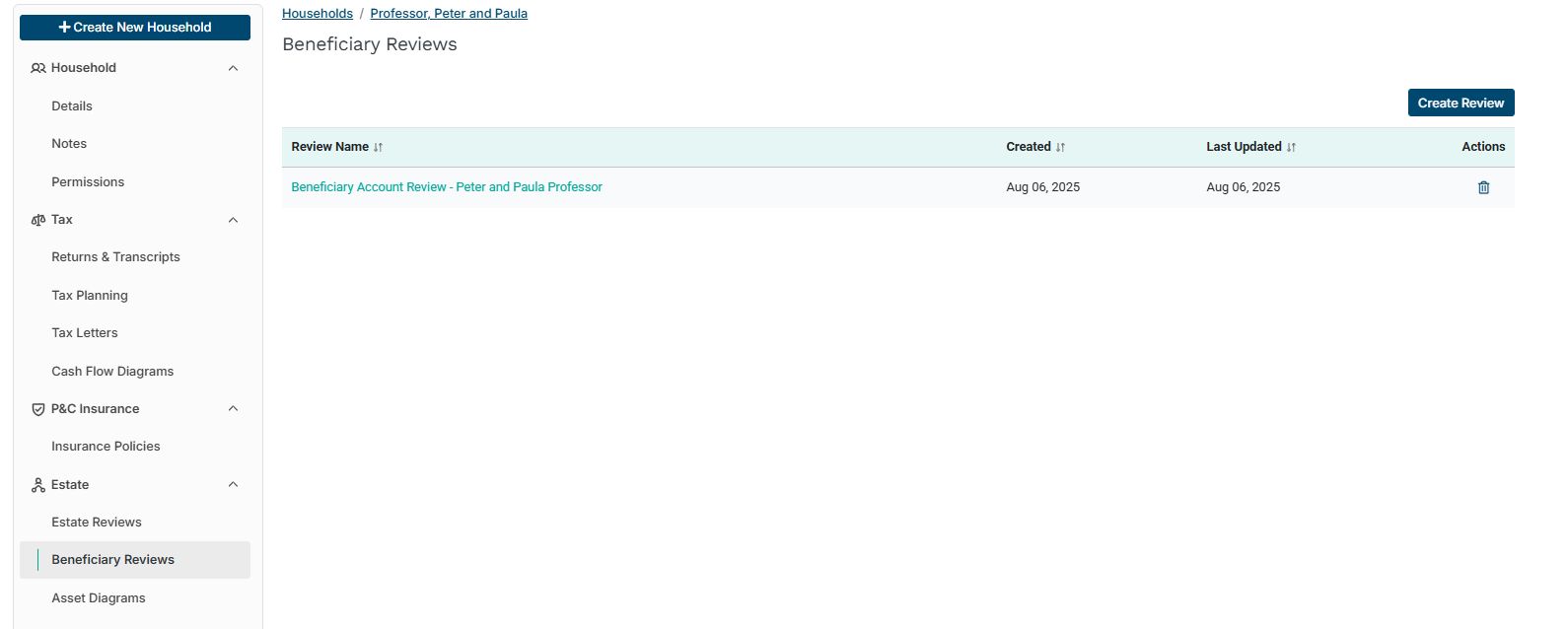
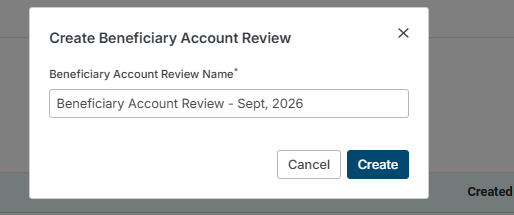
To start a new review, click "Create Review." Name review in the subsequent pop-up window and click the "Create" button.
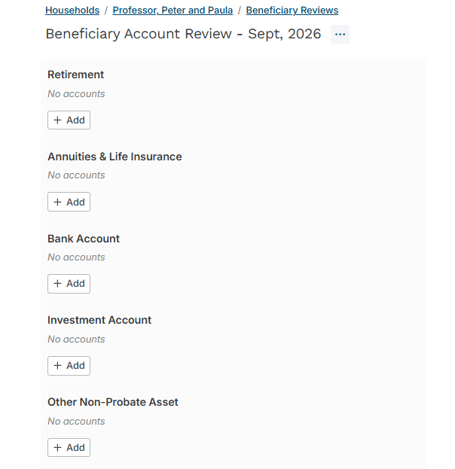
Add accounts by clicking the "+Add" button for the desired account type. Holistiplan currently supports the following account types:
- Retirement Accounts
- Life Insurance & Annuities
- Bank Accounts
- Investment Accounts
- Other Non-Probate Assets
Upon selecting an account type, enter the appropriate information. To add beneficiaries, click the "Add" button in the appropriate beneficiary section and complete each field. Click "Create" when done.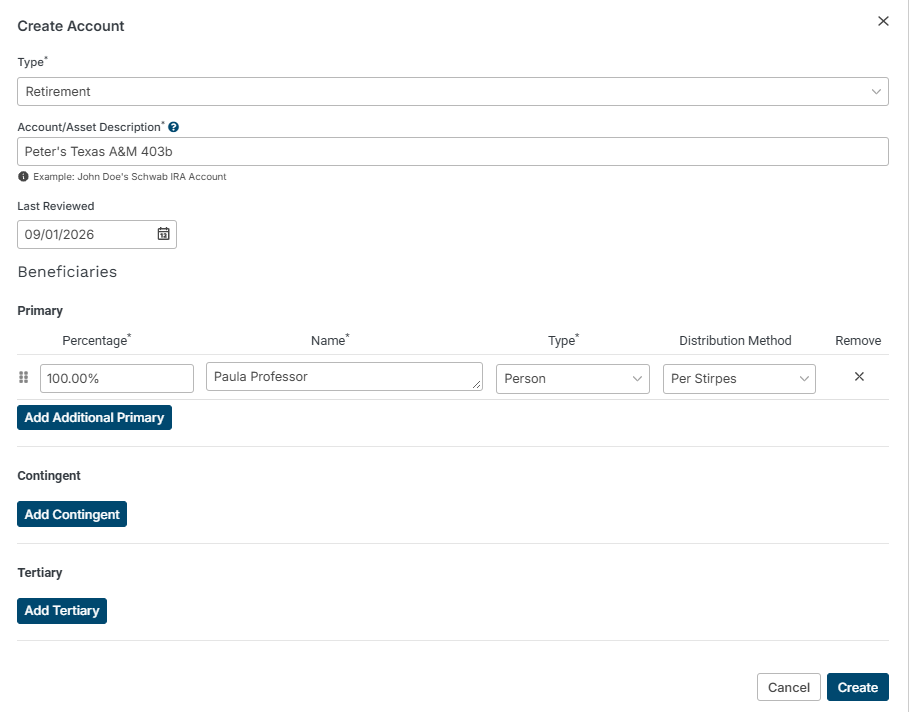
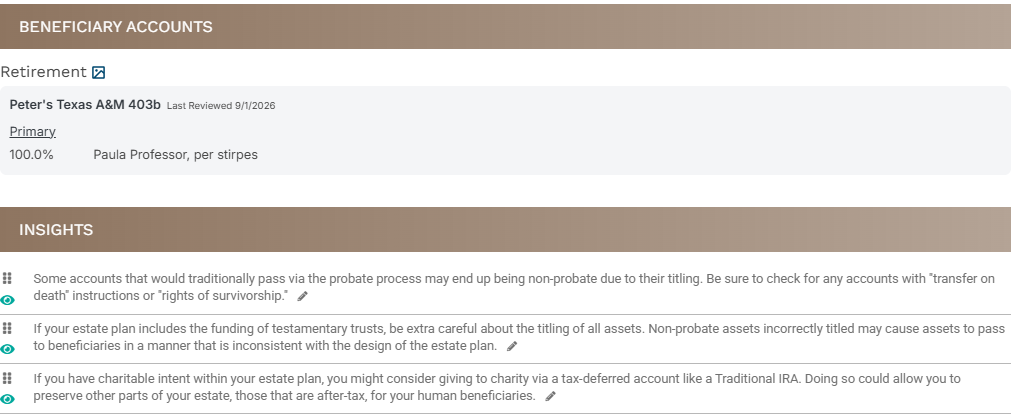
Once entered, the account shows up on the Beneficiary Review Summary, along with insights.
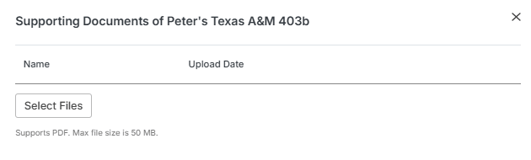
Users have the option of attaching documents to each entered beneficiary to document the designation by clicking the pencil icon illustrated in the following screenshot
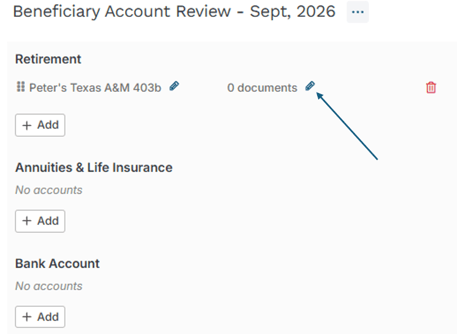
Click the "Select Files" button to select the file to upload (note that Holistiplan's Estate Specialists do not review these documents).