![Holistiplan Logo (800x200 px).webp]](https://help.holistiplan.com/hs-fs/hubfs/Holistiplan%20Logo%20(800x200%20px).webp?width=160&height=40&name=Holistiplan%20Logo%20(800x200%20px).webp)
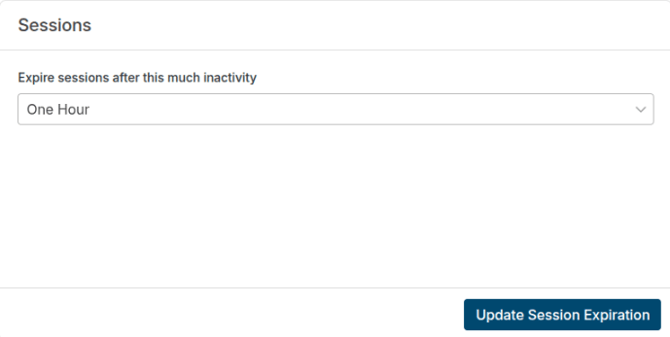
Firm Admins can increase the session timeout for all users. This setting determines how long a logged-in session remains active during periods of inactivity before it expires and the user is logged out.
To update this setting, navigate to Settings > Security to locate the Session section and adjust the timeout duration.