![Holistiplan Logo (800x200 px).webp]](https://help.holistiplan.com/hs-fs/hubfs/Holistiplan%20Logo%20(800x200%20px).webp?width=160&height=40&name=Holistiplan%20Logo%20(800x200%20px).webp)
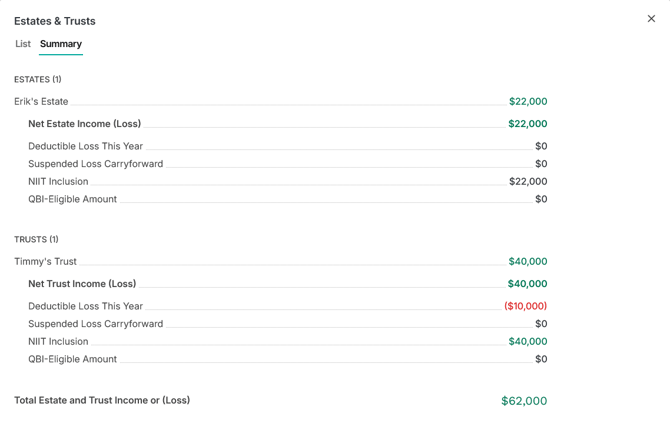
Each trust or estate is modeled as its own entity, allowing you to evaluate the tax impact of each activity while also seeing the combined results on the Summary tab.
Holistiplan automatically evaluates passive activity treatment, Net Investment Income Tax (NIIT), and Qualified Business Income (QBI) as you complete each entity.
Getting Started
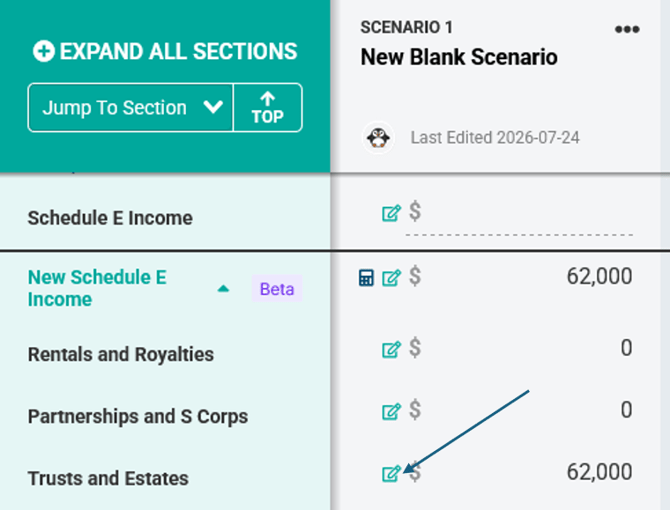
To access the Trusts and Estates Worksheet, click the pencil icon in the Trusts and Estates row in the Schedule E Income subsection of Schedule 1 Income.
For scenarios created by copying an uploaded return, Holistiplan automatically creates an entity for each trust and estate reported on Schedule E, Part III, using the entity name.
These entities provide a starting point. Review each one and enter the remaining financial and tax information.
Note that while the system will create entities for any listed item on the return, because Holistiplan does not read the individual income and expense items from Schedule E entities, that information will not port over to scenarios created by copying the return.
Need to model a trust or estate that isn't included on the uploaded tax return? Click + Add Entity.
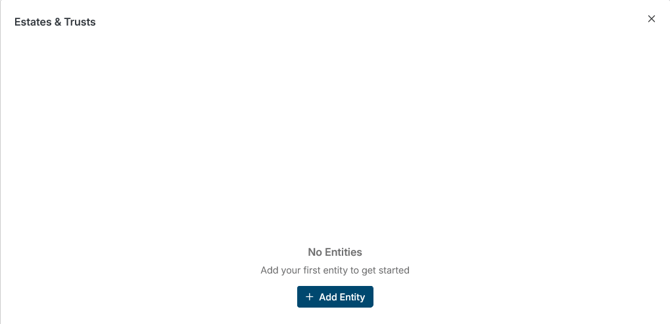
Add a Trust or Estate
First, name the entity to differentiate it from any other trusts or estates. Then, indicate whether this entity is a Trust or Estate in the Entity Type drop-down menu.
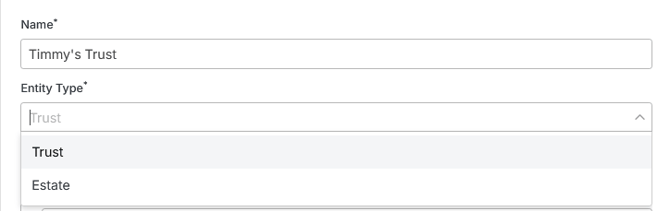
Both entity types use Form 1041 Schedule K-1 and follow the same workflow. The entity type simply identifies the source of the income throughout Scenario Analysis and on the Summary tab.
Complete a Trust or Estate
Income
Enter the ordinary income or loss reported on Form 1041 Schedule K-1.
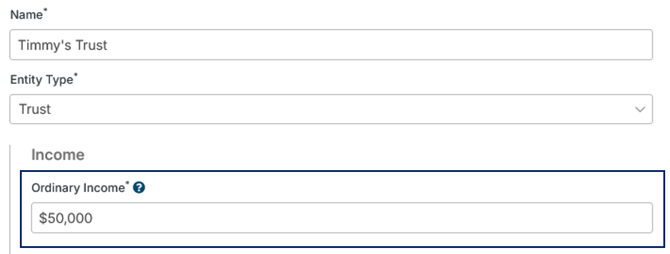
Note that this should be ordinary income originating from the trust or estate, not dividends, interest, or capital gains, which should be entered in the 1040 income section along with other similar income.
Participation
Participation determines whether the activity is treated as passive or non-passive.
Material Participation
Toggle to Yes if the taxpayer materially participates in the underlying business activity generating income distributed by the Trust or Estate.

While it is less common, it is possible that a taxpayer could materially participate in a business activity still owned by a Trust or Estate. If that is the case and the taxpayer materially participates, Holistiplan will more accurately calculate:
- Deductible losses
- Suspended passive losses
- NIIT treatment
- QBI calculations
Tip: If Material Participation is set to No, current-year losses are generally suspended rather than deducted.
Passive Loss Carryforward
Enter any suspended passive losses carried forward from prior years.

Holistiplan combines prior-year and current-year suspended losses automatically and tracks the remaining balance available for future years.
Qualified Business Income (QBI)
If the trust or estate distribution includes qualified business income, select QBI Eligible. When enabled, additional fields become available to complete the Section 199A calculation.
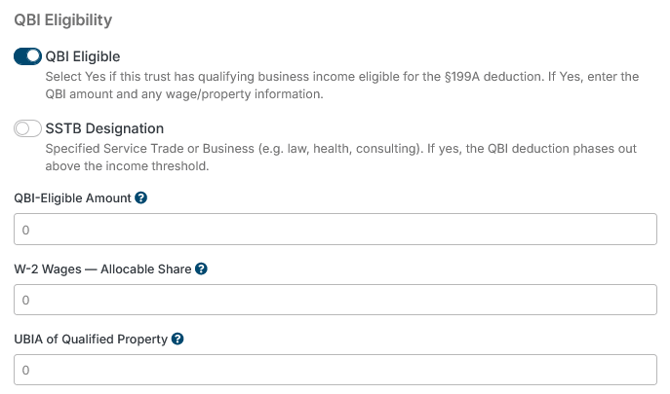
Indicate whether the underlying business activity is a Specified Service Trade or Business (SSTB), as well as the amount of QBI-Eligible income, the allocable amount of W-2 wages for this activity, and the unadjusted basis immediately after acquisition (UBIA) from the activity. These entries are necessary to determine the appropriate amount of the QBI deduction above certain income thresholds.
Note: Most trusts and estates do not generate qualified business income. Complete this section only if the Schedule K-1 reports QBI.
Review the Results
Every entity includes a Summary card that updates automatically.
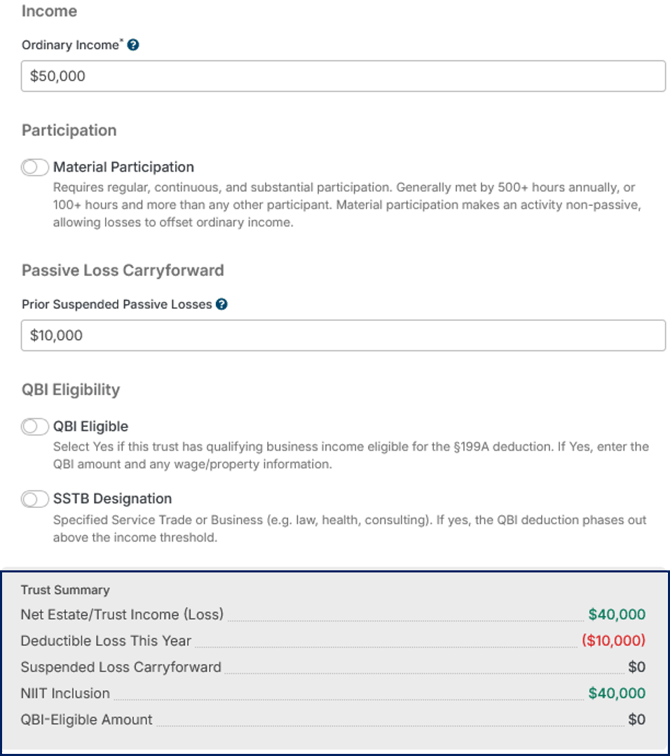
Summary Tab
The Summary tab combines every trust and estate into a single view.